
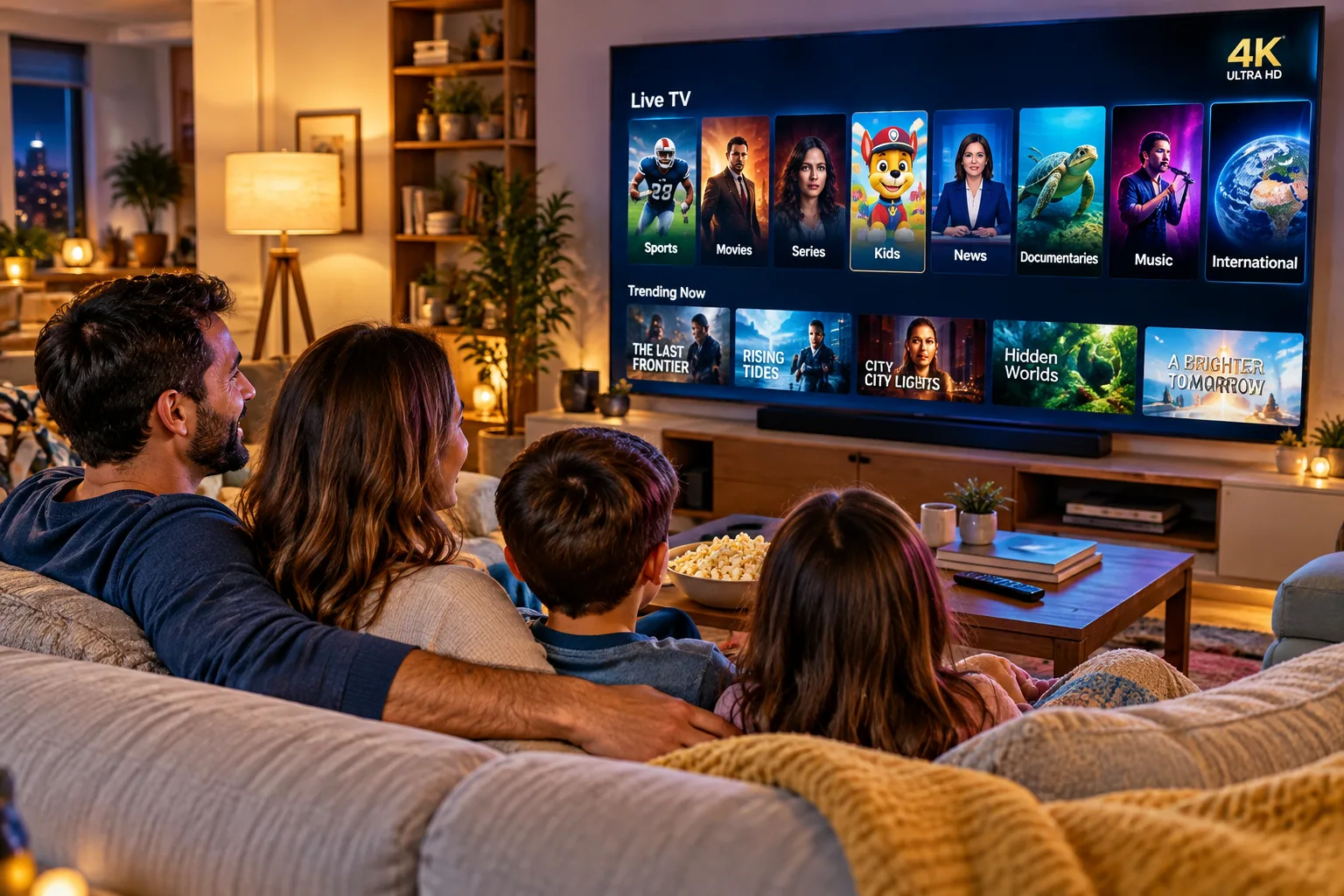
Streaming on the big screen changes everything. This guide shows you how to get PixelStreamHub up on your smart TV or a stream box in a few simple steps.
On a smart TV
Open your TV’s app store, search for the player app from your welcome email, and install it. Then sign in with your login details. Most smart TVs are fully supported.
With a stream box (Firestick and similar)
- Plug the device into an HDMI port and connect it to your Wi-Fi
- Enable apps from unknown sources if your box requires it for the player app
- Install the app and sign in with your details
Casting from your phone
If your TV isn’t compatible, you can play on your phone and cast to the TV where your TV supports it, or simply enjoy the same library on your phone or tablet instead.
Picture still not showing?
Double-check your internet speed, power-cycle the TV and box, and confirm you’re signed in on only the device you’re watching on. If it persists, our support team will talk you through it.