
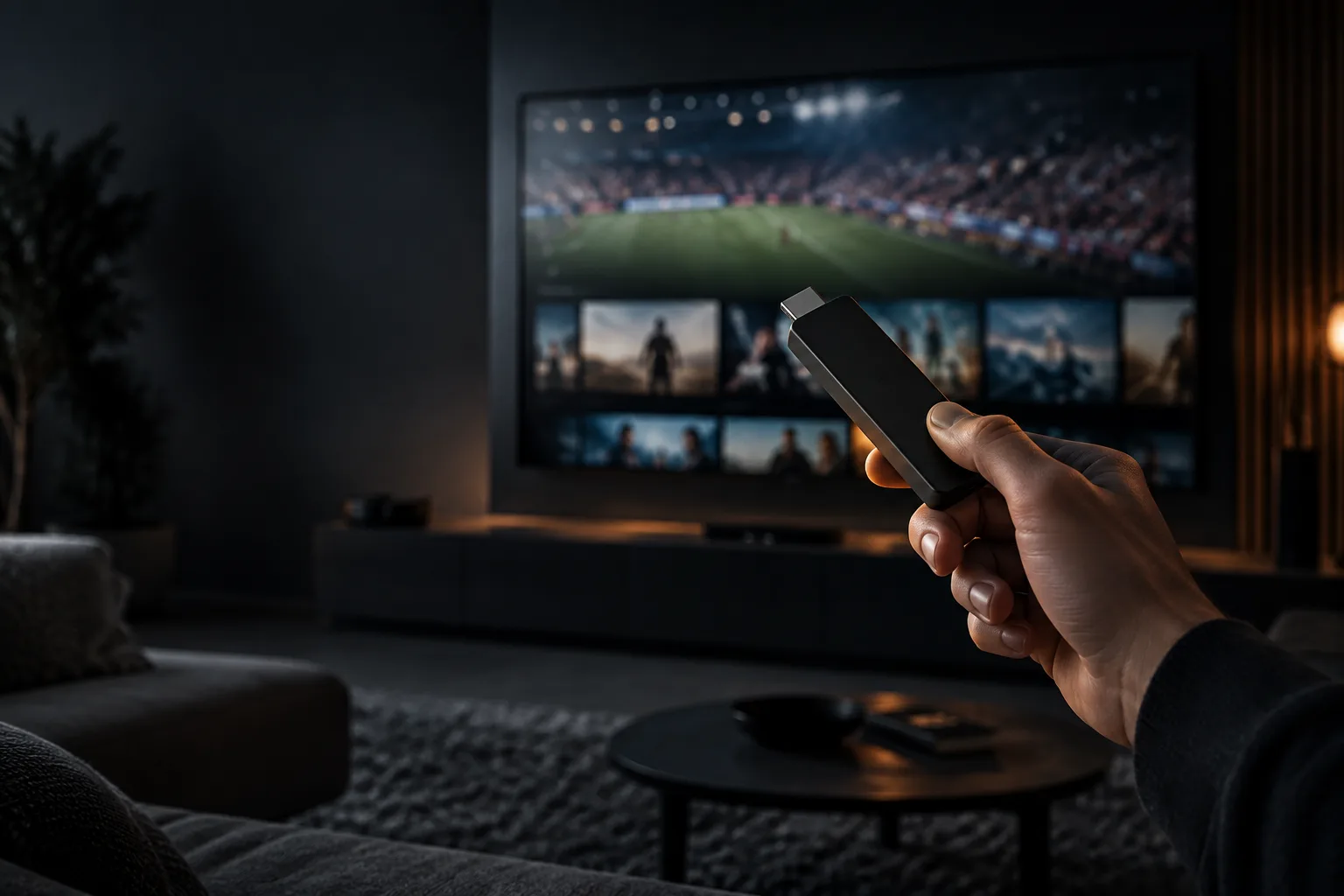
The FIFA World Cup 2026 is shaping up to be the biggest football tournament in history. With an expanded format, more teams, and matches spread across multiple host nations, it will deliver more games than any World Cup before it. If you want to follow every group-stage thriller, every knockout drama, and the final itself, IPTV is one of the most flexible and affordable ways to watch the FIFA World Cup 2026 live.
This guide walks you through exactly how to stream the tournament with IPTV, what you need to get set up, how to keep your stream smooth during the busiest matches, and how to make sure you never miss a goal.
When and Where Is the FIFA World Cup 2026?
The 2026 edition is the first World Cup to be co-hosted by three nations — the United States, Canada, and Mexico — and the first to feature an expanded field of 48 teams. That expansion means a dramatically larger schedule, with games kicking off across multiple time zones throughout the tournament. For fans, the challenge is no longer whether matches are available, but how to watch all of them conveniently in one place. That is precisely the problem IPTV solves.
Why Watch the FIFA World Cup 2026 with IPTV?

Traditional broadcasting often scatters tournament coverage across several channels and paid platforms, and regional blackouts can leave you unable to watch the games you want. IPTV offers a simpler path:
- Every match in one place: follow all the action without juggling multiple subscriptions.
- HD and 4K quality: experience the tournament in stunning detail, where available.
- Watch anywhere: on your TV at home, or on your phone if you are away from the sofa.
- Catch-up and replays: life does not stop for the group stage — watch missed matches later.
- Great value: one affordable subscription covers the whole tournament and far more.
A premium service such as PixelStreamHub gives you comprehensive football and sports streaming alongside thousands of other channels, so the World Cup is just one part of what you get.
How to Watch FIFA World Cup 2026 Live with IPTV: Step by Step
Getting ready to stream the tournament takes only a few minutes. Here is the full process.
Step 1: Choose a Reliable IPTV Provider
Reliability is everything during a tournament, because millions of fans stream the same match at once. Choose an established provider with premium servers, strong sports coverage, and fast support. You can compare PixelStreamHub plans to find one that fits your household.
Step 2: Pick Your Device
IPTV runs on the devices you already have — a smart TV for the big-screen experience, a Firestick or Android TV box, or your phone and tablet for watching on the move. No dish, no special cabling.
Step 3: Subscribe and Activate
Once you subscribe, you will receive your activation details, usually within minutes. Enter them into your app or player and you are ready to go. If you would like to test the quality first, request a free trial before the tournament begins.
Step 4: Find the Matches in Your Guide
Use the electronic programme guide (EPG) to locate fixtures and set yourself up ahead of kick-off. With dozens of matches across the group stage, a clear guide makes planning your viewing easy.
Step 5: Press Play and Enjoy
That is it. Sit back and watch the world’s biggest football tournament live, in the quality your connection allows.
What You Need to Stream the World Cup
To enjoy a smooth experience, make sure you have:
- A stable internet connection: around 15 Mbps for Full HD and 25 Mbps or more for 4K.
- A compatible device: smart TV, Firestick, Android box, phone, tablet, or computer.
- An IPTV subscription: ideally one that bundles full sports coverage with entertainment and a movies and series library.
How to Avoid Buffering During Big Matches
Knockout nights are exactly when weaker streams struggle. These simple steps help keep your picture smooth when it matters:
- Use a wired connection where possible, or sit close to your router for the strongest Wi-Fi signal.
- Close other bandwidth-hungry apps and downloads during the match.
- Restart your router earlier in the day so it is running fresh by kick-off.
- Choose a provider with anti-buffer technology and premium servers built for peak demand — this is the single biggest factor.
PixelStreamHub’s network is engineered specifically to absorb match-day surges, which is why fans rely on it for the biggest games.
Watch the World Cup on Any Device

One of the great advantages of streaming the tournament with IPTV is freedom of device. Start the match on your living-room smart TV, then continue on your phone if you have to leave the house. With a multi-connection plan, different members of the household can even watch different matches at the same time. Learn more about multi-device streaming on our services page.
Do Not Miss a Single Match: Catch-Up and Replays
The expanded 2026 schedule means more overlapping fixtures than ever, and you cannot be in front of the screen for all of them. A quality IPTV service includes catch-up and replays, so you can watch any match you missed in full, or relive the highlights, whenever it suits you. That flexibility is a genuine game-changer during a packed tournament.
Tips to Get the Best World Cup Experience
- Set up early: subscribe and test your stream before the opening match, not five minutes before kick-off.
- Run a trial during a live game so you know your setup is solid under real conditions.
- Optimise your screen: if your TV supports 4K and your plan offers it, enable the highest quality.
- Plan around overlaps: note which matches clash and decide what to watch live versus on catch-up.
Frequently Asked Questions
Can I watch the FIFA World Cup 2026 live with IPTV?
Yes. A premium IPTV service lets you stream the FIFA World Cup 2026 live in HD and, where available, 4K, on any device. Catch-up and replays also let you watch matches you miss.
What internet speed do I need to stream the World Cup?
Around 15 Mbps gives smooth Full HD, while 25 Mbps or more is recommended for 4K. A stable, ideally wired, connection helps avoid buffering during peak match times.
Which devices can I use to watch the World Cup?
You can watch on smart TVs, Amazon Firestick, Android TV boxes, smartphones, tablets, and computers. No satellite dish or special equipment is required.
How do I avoid buffering during big matches?
Use a wired connection or strong Wi-Fi, close other bandwidth-heavy apps, restart your router beforehand, and choose a provider with anti-buffer technology and premium servers built for peak demand.
Can I watch matches I missed?
Yes. Quality IPTV services include catch-up and replays, so you can watch any match in full or see the highlights at a time that suits you.
Get ready for the biggest football tournament on earth. PixelStreamHub gives you full FIFA World Cup 2026 coverage plus thousands of channels and a huge on-demand library in up to 4K. Choose your plan or start your free trial before kick-off.